Installer onboarding

Install your AI team in minutes

HypeShow Installer by Dr. Dafni LTD

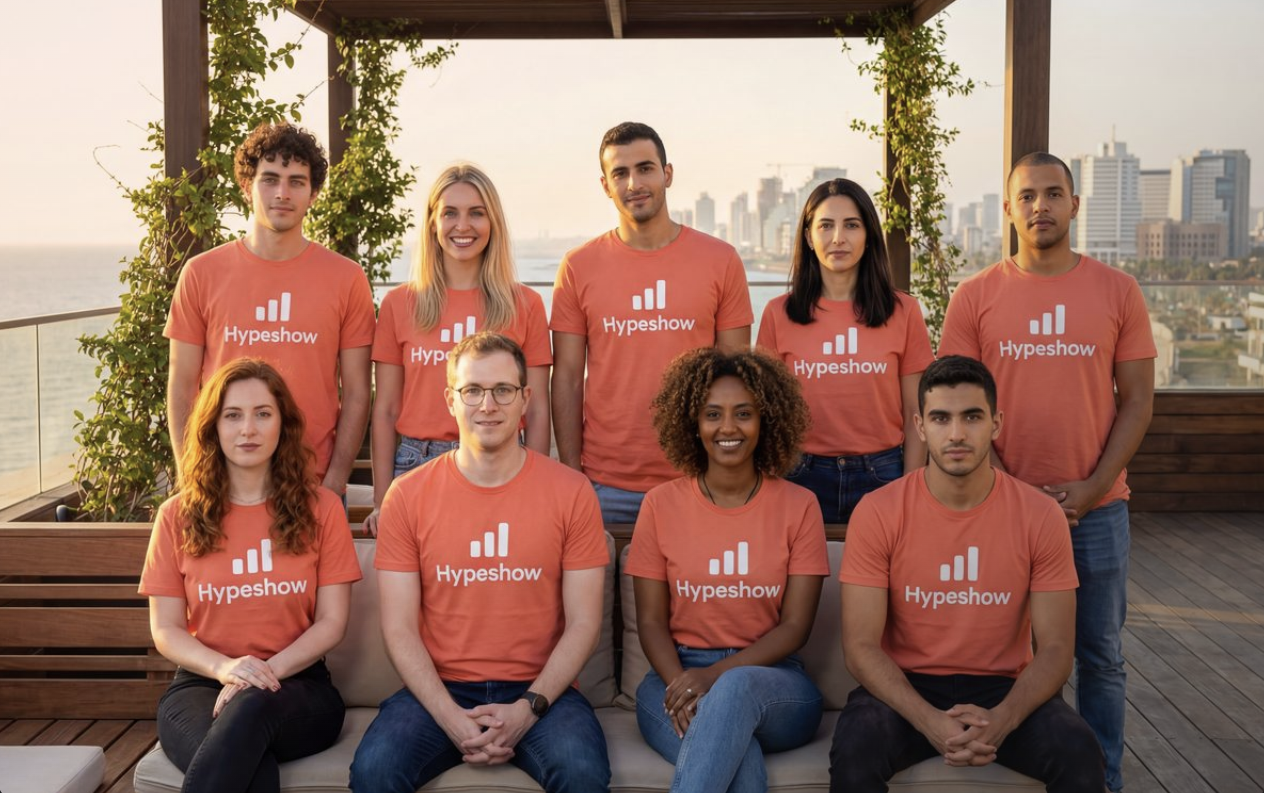
HypeShow AI startup team in matching coral shirts, nine seats you will install
Meet the seats you will install

Follow the steps below so setup stays smooth. You need Grok Bot first. Without it, the HypeShow Installer template cannot install.

Download the desktop or mobile app from x.ai/bot, then sign in. There is no separate HypeShow account at this step.

* Grok Bot is free to install. An xAI / Grok subscription may be required to use agents (about $20/month; check current price on x.ai). HypeShow is a separate $29.90/year product.

Eight steps, in order

Stay with the Installer chat the whole way. It will wait for your replies after seats, after payment, and after connect - so nothing drops mid-flow.

1

Install Grok Bot

HypeShow runs as seats inside Grok Bot. You need the app on your device before anything else.

Without Grok Bot, the Installer template cannot install. Get the app first, then come back.

* Grok Bot is free to install. An xAI / Grok subscription may be required to use agents (about $20/month; check current price on x.ai). HypeShow is a separate $29.90/year product.

2

Sign in or create your account

Open Grok Bot and sign in with your account (or create one if you are new). Stay signed in for the rest of this flow.

3

Import the HypeShow Installer template

One-click import into your Grok Bot. This adds the Installer bot so it can create your seats.

4

Open the Installer chat and confirm

  • Open the Installer conversation in Grok Bot.
  • You choose the language for your team.
  • Confirm create 10 seats.
  • Do not leave this chat yet - the Installer keeps guiding you after seats exist.
5

You get 10 starter seats

Each seat starts with a first name and an English role title. You can rename any seat anytime.

First name
CEO
rename OK
First name
Product Manager
rename OK
First name
CTO
rename OK
First name
UI/UX Designer
rename OK
First name
QA Engineer
rename OK
First name
Security Engineer
rename OK
First name
Growth Manager
rename OK
First name
Social Media Manager
rename OK
First name
Sales
rename OK
First name
Finance
rename OK

Until you connect HypeShow after payment, seats are name + role only (no full intelligence yet).

6

Subscribe on hypeshow.com

In the Installer chat, open hypeshow.com, sign in if needed, and subscribe at $29.90/year. When checkout finishes, reply paid in the Installer chat so it continues.

7

Connect HypeShow on the site

Stay on hypeshow.com and follow the on-site connect steps (MCP address + license key UI). Do not paste keys into chat. When the site says connect succeeded, reply connected in the Installer chat.

If connect UI is not on the site yet, tell the Installer no connect UI. Seats stay name + role only until connect is available.

8

Return to Grok Bot and open your CEO

The Installer tells you to open your CEO seat and say hello. That is where daily work with your team starts. Rename any seat anytime.

Ready when you are

Get Grok Bot, open the Installer, create seats, then stay in that chat through subscribe, connect, and back to your CEO seat.

Common questions

What if I do not have Grok Bot?
Install it first from x.ai/bot, sign in, then return to this page. The HypeShow Installer template cannot install without Grok Bot.
Can I rename seats?
Yes. After the Installer creates your 10 seats, you can rename any seat. Titles start as the English roles listed above. First names are placeholders you can change.
When does intelligence unlock?
After payment on hypeshow.com ($29.90/year), use the connect steps shown on the site (MCP address + license key). Reply paid then connected in the Installer chat so it never drops you. Until then, seats stay name + role only. When connected, open your CEO seat to start work.
What about refunds?
Refunds follow the HypeShow support policy on the site. Self-serve setup is expected. Personal install help is not included. See support policy details on hypeshow.com.

* Grok Bot is free to install. An xAI / Grok subscription may be required to use agents (about $20/month; check current price on x.ai). HypeShow is a separate $29.90/year product.